
8 Best OpenRouter Alternatives in 2026
Looking for an OpenRouter alternative? Compare the 8 best options for 2026 by pricing, provider coverage, self-hosting, governance, and enterprise readiness.

Sohrab Hosseini
Co-founder (Orq.ai)
Bring LLM-powered apps from prototype to production
Discover a collaborative platform where teams work side-by-side to deliver LLM apps safely.






The first model integration is an API problem. The fifth one is an operating problem.
OpenRouter became popular because it solved a real early-stage problem: developers wanted to test models from OpenAI, Anthropic, Google, Meta, Mistral, and others without maintaining a separate integration for every provider. One API, one account, and a large model catalog can be exactly what teams need when they are comparing outputs, testing pricing, or getting a first AI feature into users’ hands.
That’s still a valuable role. OpenRouter remains a strong fit when the main goal is speed: trying models quickly, keeping provider choice flexible, and avoiding unnecessary setup while the product is still taking shape.
The question changes once AI applications move into customer support flows, internal copilots, sales tools, or regulated processes. At that point, model access isn’t the only problem. Teams start asking different questions: which model is allowed to handle this request, what happens if a provider slows down, how much did this workflow cost, and can we explain the route a request took after the fact?
That’s when teams usually start comparing OpenRouter alternatives. Some need a gateway they can self-host. Others need audit logs, team-level budgets, regional controls, lower-latency routing, or tighter links between routing decisions and evaluation results.
This guide compares the best OpenRouter alternatives in 2026 through that lens. Instead of ranking tools only by model coverage, we’ll look at what each option actually replaces: a catalog, a routing layer, a cost-control point, a compliance boundary, or a broader operating layer for production AI.
What Is OpenRouter and What Does It Do Well?
OpenRouter sits between your application and multiple model providers, giving developers a single API for sending requests to different LLMs. Teams can compare model quality, pricing, and availability without rewriting the application every time they want to try a new provider.
The main value of OpenRouter is speed and optionality. A small team can start with one model, test another, and keep provider choice relatively fluid while the product is still taking shape. That’s useful before the team knows which model will win on quality, latency, or cost for a specific workflow.
OpenRouter is strongest when the main problem is access. It helps teams test models from multiple providers, compare outputs quickly, avoid separate integrations, and manage usage more cleanly than if every application connected directly to separate provider APIs.
As a result, it’s a good fit for prototyping, model discovery, early product experiments, and teams that want a simple way to work across the model ecosystem. The need for alternatives usually appears later, when those experiments become systems that need owners, budgets, policies, and production monitoring.
When OpenRouter is still a good fit?
OpenRouter may still be the right choice if your team mainly needs fast access to a broad model catalog, simple provider abstraction, and low setup overhead. If you are prototyping, comparing outputs, or building a small AI feature that does not yet need team-level controls, auditability, or production monitoring, switching may add unnecessary complexity.
The point isn't to replace OpenRouter by default. The point is to switch when your requirements move beyond access: self-hosting, cost attribution, regional controls, request-level visibility, or governance across multiple teams.
Why teams look for OpenRouter alternatives?
Teams rarely leave OpenRouter because it fails at its core job. They look for alternatives because the job changes.
In the prototype stage, the main objective is to try several models quickly and see which one works. OpenRouter is well suited to that. But once the same AI feature is used by support agents, sales teams, internal copilots, or customers, the gateway becomes part of the production path. At that point, model access is only one part of the problem.
The first pressure usually comes from control. A team may need to decide which models are approved for customer data or what happens when someone wants to introduce a new provider. If those decisions live in scattered application code, provider dashboards, or individual API keys, they become hard to enforce consistently.
The second pressure is visibility. In production, knowing that a request reached a model just isn’t enough. Teams need to see which route it took, whether a fallback was triggered, and whether quality changed after a model switch. Without that view, debugging becomes guesswork and cost reviews happen after the bill has already arrived.
Deployment model also matters. We’ve seen some teams be comfortable with a managed routing layer. We’ve also seen others need a self-hosted proxy, private deployment, or a gateway that fits inside an existing cloud, edge, or API management stack. That’s common in regulated industries, larger enterprises, or teams with strict procurement and security requirements.
The broader pattern is that OpenRouter alternatives usually enter the conversation when AI starts to need owners, policies, monitoring, and release discipline.
Start with the real replacement problem
OpenRouter is easy to compare against other gateways if you treat the category as a model access problem. But that is often the wrong starting point.
Some teams want to replace OpenRouter because they need to self-host the gateway. Others need request-level controls, clearer cost attribution, EU data handling, or closer integration with an existing API gateway. Those are different problems, and they point to different alternatives.
Before shortlisting vendors, define the failure mode. Are costs drifting across teams? Are fallback rules hard to trace? Do auditors need evidence of which models handled which workloads? Is traffic supposed to stay closer to a specific cloud, region, or edge stack? Does routing need to connect with evaluations and release workflows?
The right OpenRouter alternative is the one that solves that specific problem.
Not the one with the longest model catalog.
You already have the mental model for this
The gateway decision is easier to understand if you map it to infrastructure patterns teams already know.
A model catalog is like a package registry: useful for discovery, but not enough to run production systems.
A router is like a load balancer: it decides where traffic should go, what happens when one backend fails, and how requests are distributed.
A gateway is like an API control plane: it centralizes access rules, logging, cost controls, rate limits, and policy.
A production AI platform goes one step further. It connects routing decisions with evaluations, monitoring, governance, and release workflows, so teams can see whether model changes are actually improving the system.
That's why replacing OpenRouter isn't simply one decision. It depends on whether you are replacing a catalog, a router, a control point, or part of your AI operating model.
8 Best OpenRouter Alternatives
These tools aren't competing for the same job.
Some replace OpenRouter’s access layer. Some move the gateway into your own infrastructure. Some bring AI traffic into an existing API, cloud, or edge stack. Others help teams manage routing as part of a broader production AI operating model.
If the problem is self-hosting, LiteLLM and Portkey are natural places to start. If the problem is infrastructure fit, Kong, Cloudflare, or Vercel may make more sense. If the problem is open-model inference, Together AI belongs in the conversation. And if the problem is operating model traffic across teams, budgets, evaluations, and policy requirements, Orq.ai is the best fit.
Each option below is evaluated by fit: what it replaces, where it works best, and when it's a better choice than staying with OpenRouter.
Best OpenRouter alternatives at a glance
To get a quick overview of what alternatives there are, use this table:
Tool | Best for | Hosting | Free option? | Control model | OpenRouter pain point solved | Standout feature |
Orq.ai Router | Production teams that need routing tied to cost, quality, and policy | Managed platform | Yes | Platform-led | Moving from model access to controlled production rollout | Router connected to budgets, evals, monitoring, knowledge workflows, and team controls |
Portkey | Teams that want request-level controls around LLM traffic | Managed / open-source gateway | Yes | Gateway-led | Fallbacks, guardrails, caching, and traffic monitoring | Gateway with routing, guardrails, cost tracking, and request visibility |
LiteLLM | Platform teams that want to run the gateway themselves | Self-hosted / enterprise | Open-source | Team-operated | Self-hosting and infrastructure ownership | Open-source proxy with virtual keys, budgets, rate limits, and routing |
Eden AI | Products that need one API for several AI services | Managed | Credits / free start | Aggregator-led | Access beyond chat and completion models | Unified API for LLMs, OCR, speech, translation, image, and document workflows |
Kong AI Gateway | Enterprises that already manage traffic through API gateways | Cloud / hybrid / self-hosted | Trial / limited | Infrastructure-led | Bringing AI requests into existing API policies | AI traffic managed through Kong’s gateway, security, rate-limit, and analytics layer |
Vercel AI Gateway | Teams building AI apps inside the Vercel ecosystem | Managed | Credits / PAYG | App-platform-led | Keeping model access close to deployment and SDK workflows | Model access, BYOK, fallback routing, and usage controls inside Vercel |
Cloudflare AI Gateway | Teams already using Cloudflare for app delivery or Workers | Managed edge | Yes | Edge-led | Edge logging, caching, rate limiting, and fallback | AI request controls through Cloudflare’s edge network |
Together AI | Teams running or fine-tuning open-source models | Managed / dedicated infrastructure | Usage-based / credits vary | Infrastructure-led | Moving closer to the model infrastructure layer | Serverless, batch, fine-tuning, and dedicated inference for open-source models |
1. Orq.ai Router (Recommended for Production Teams)
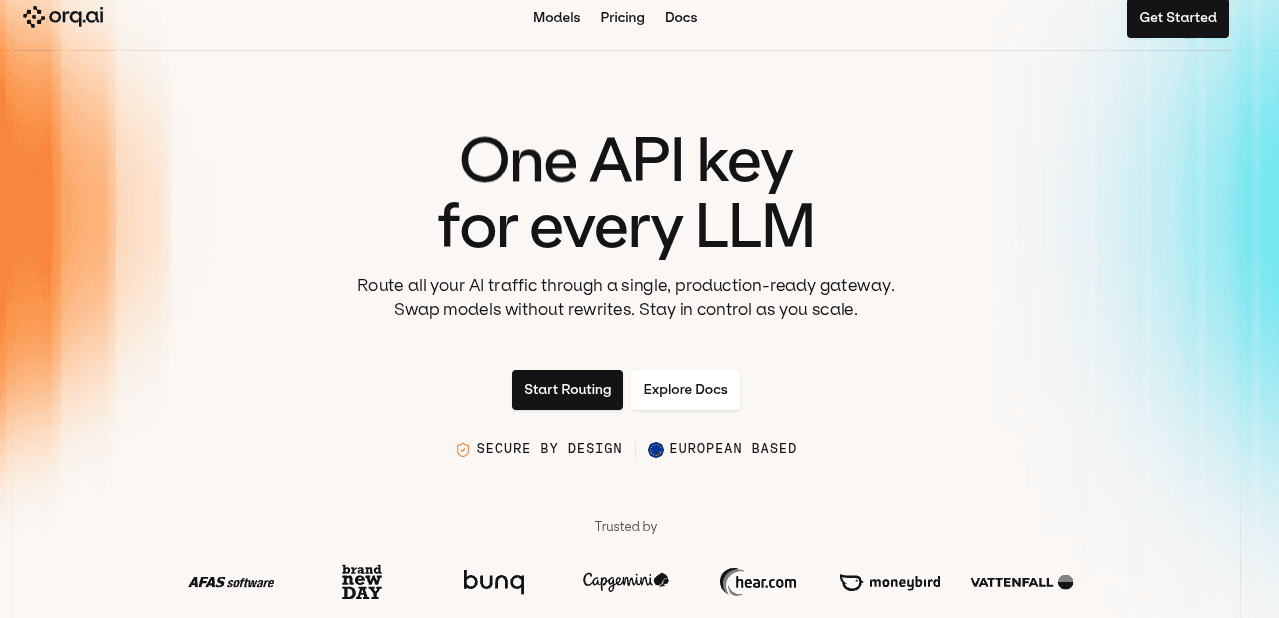
Orq.ai Router is the strongest OpenRouter alternative when the problem is no longer model access, but production control. It can be used as a standalone AI Router or as part of the broader Orq.ai platform for teams that need evaluations, monitoring, governance, and lifecycle workflows around routing.
OpenRouter is useful when a team wants to compare models quickly. Orq.ai Router becomes more relevant when model choice has to be managed across products, teams, customers, budgets, and compliance requirements.
Best for
Production AI teams that want model routing connected to cost control, monitoring, evaluations, and governance from the same platform.
Why teams choose it over OpenRouter
Orq.ai Router keeps the familiar gateway pattern: one API, OpenAI-compatible access, and routing across 400+ models from 20+ providers. The difference is that Orq.ai adds more of the operating layer around that router.
Teams can use Orq.ai Router as a standalone AI Router or as part of the wider Orq.ai platform, depending on how much of the AI lifecycle they want to manage in one place. For enterprise teams, the more important difference is policy and accountability.
Orq.ai Router supports controls such as virtual keys, RBAC, budget controls, EU data residency, SOC 2, GDPR, and EU AI Act readiness. That makes it a stronger fit when teams need to show who used which models, under what rules, and with what visibility into cost and behavior.
What it does well
Routes traffic across 400+ models from 20+ providers through an OpenAI-compatible API
Connects routing decisions with fallbacks, retries, BYOK, budgets, and identity tracking
Links runtime behavior with evaluations, monitoring, and knowledge workflows
Supports enterprise controls such as virtual keys, RBAC, auditability, and EU data residency
Can start as a standalone router and expand into a broader GenAI platform
Where it may be less suitable
If the only goal is casual model testing, Orq.ai Router may be more platform than you need
Smaller teams may not need the full governance and lifecycle layer at the beginning
Some advanced enterprise controls may depend on the selected plan
Pricing
Orq.ai Router offers a free tier, with production and enterprise plans for teams that need higher usage, governance, monitoring, and platform capabilities.
Best if
You want OpenRouter-style model access, but need stronger control over cost, routing behavior, compliance, evaluations, and production monitoring.
2. Portkey
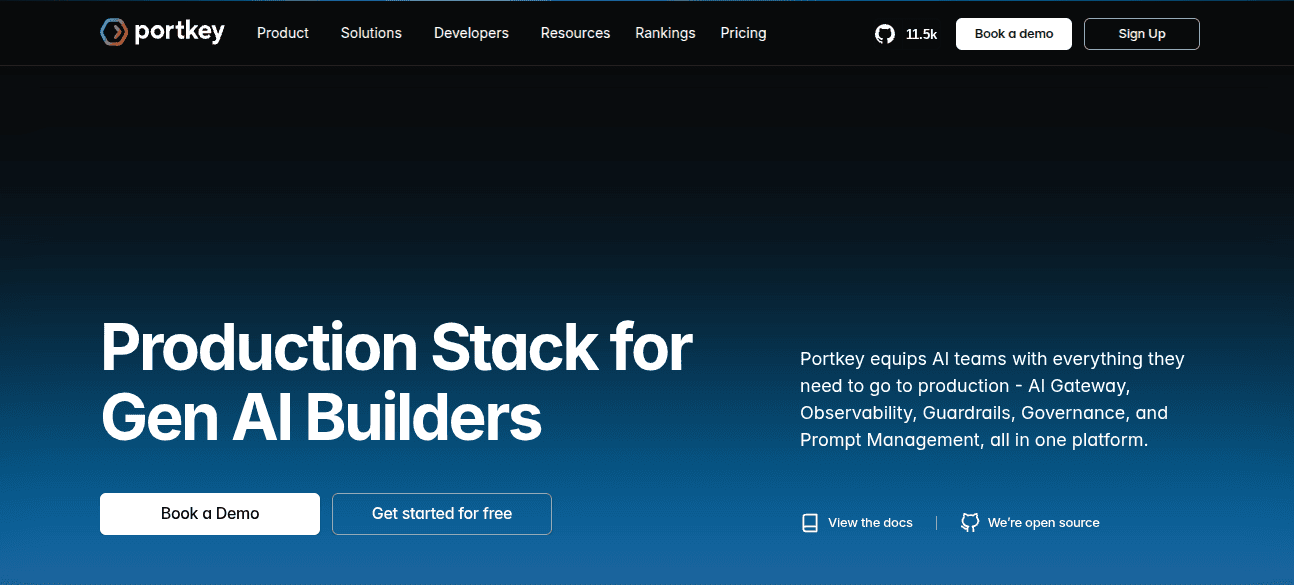
Portkey is worth considering when the main need shifts from model access to day-to-day request management.
Why teams choose it over OpenRouter
It still gives teams a gateway for routing across models, but the emphasis is less on browsing a large catalog and more on managing what happens to requests once real users depend on them.
That shows up in features like fallbacks, caching, guardrails, cost tracking, and request-level visibility. These are the kinds of controls teams often ask for after the first AI feature works, but before they’re comfortable scaling it across more products, teams, or customers.
Best for
Teams that want a gateway-first OpenRouter alternative with routing controls, fallbacks, guardrails, cost tracking, and request monitoring.
Why teams choose it over OpenRouter
OpenRouter is useful when the main goal is broad model access. Portkey becomes more relevant when teams need more say over how requests are handled: which model is used, when to retry, when to fall back, how much each workflow costs, and whether prompts and outputs should pass through guardrails.
It isn’t quite the same as adopting a full AI operations platform. Although it does give teams more structure around the gateway layer than a simple access-first setup.
What it does well
Routes requests across 250+ LLMs through a single API
Supports load balancing, fallbacks, caching, conditional routing, and retries
Adds guardrails around model inputs and outputs
Provides visibility into cost, latency, and request behavior
Includes role-based access control and org-wide audit logs on certain tiers
Offers an open-source gateway option for teams that want more transparency and control
Where it may be less suitable
Teams looking for a broader agent lifecycle platform may still need additional tooling
Some security, governance, and deployment features depend on the selected plan
Organizations with strict private deployment or data residency requirements should validate the available deployment options carefully
Individual developers who mainly want quick model access may find it heavier than necessary
Pricing
Portkey offers Solution, Startup, and Enterprise plans. Features such as centralized model access, cost optimization, RBAC, org-wide audit logs, MCP Gateway, security controls, and enterprise support vary by tier.
Best if
You want to keep the gateway model, but need more control over routing behavior, fallbacks, costs, and guardrails than OpenRouter is designed to provide.
3. LiteLLM
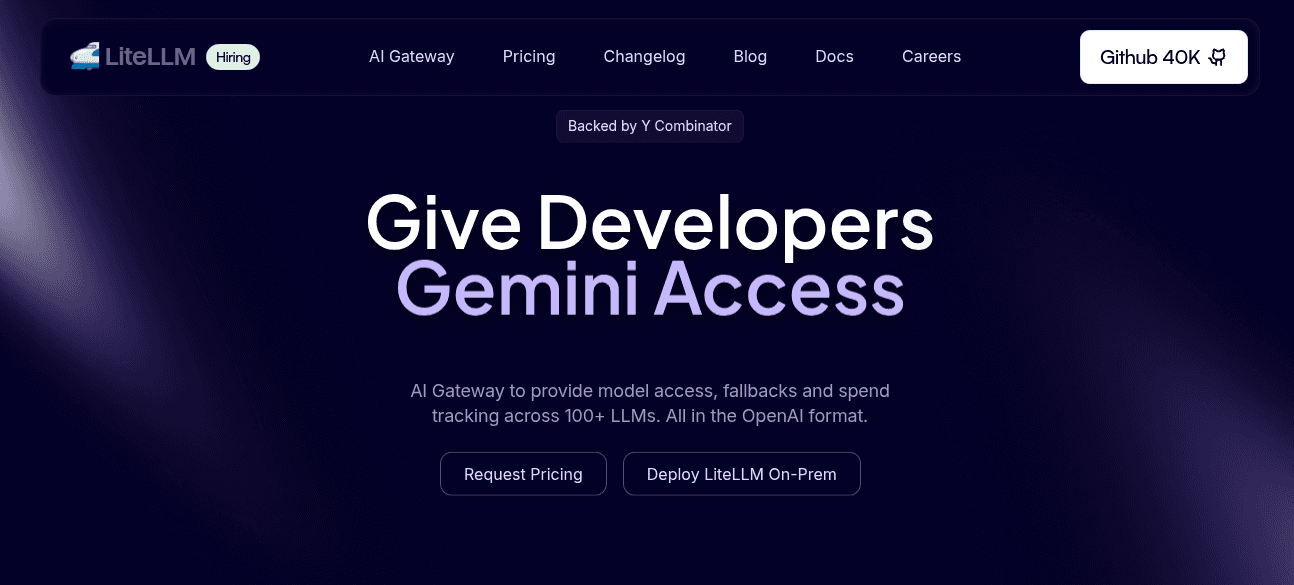
LiteLLM is usually the first OpenRouter alternative to evaluate when self-hosting is the main requirement. It gives teams an OpenAI-compatible way to call 100+ models and providers, either through its Python SDK or through a proxy server that can sit inside the team’s own infrastructure.
That makes it very different from OpenRouter. With OpenRouter, the routing layer is managed for you. With LiteLLM, platform teams can run that layer themselves, decide where it lives, manage provider credentials directly, and apply their own rules around keys, budgets, rate limits, and model access.
Best for
Engineering and platform teams that want a self-hosted, open-source OpenRouter alternative and are comfortable operating the gateway themselves.
Why teams choose it over OpenRouter
LiteLLM solves the ownership problem. If the issue with OpenRouter isn’t model access, but the fact that a third-party managed layer sits between your applications and providers, LiteLLM gives you a way to bring that layer in-house.
That can be useful for teams with stricter security requirements, internal platform standards, private networking needs, or a preference for open-source infrastructure. It also gives teams more flexibility to configure routing behavior around their own environments rather than adapting to a managed gateway’s assumptions.
What it does well
Provides an OpenAI-compatible interface across 100+ models and providers
Can be used as a Python SDK or deployed as a central proxy server
Supports virtual keys, budgets, teams, rate limits, and spend tracking
Includes load balancing, RPM/TPM limits, fallbacks, and routing controls
Lets teams run the gateway inside their own cloud, network, or deployment environment
Works well for platform teams that already have DevOps, Kubernetes, monitoring, and on-call processes
Where it may be less suitable
Self-hosting means your team owns uptime, scaling, upgrades, monitoring, and incident response
The open-source version is free, but infrastructure and maintenance are not
Some enterprise needs, such as SSO, support, audit logs, or advanced governance, may require a paid plan
LiteLLM standardizes access and routing, but it does not automatically provide a full system for evaluations, release approvals, agent monitoring, or knowledge workflows
Smaller teams may find a managed gateway easier if they do not want to operate the infrastructure themselves
Pricing:
LiteLLM has an open-source option listed at $0, with support for provider integrations, virtual keys, budgets, teams, load balancing, RPM/TPM limits, and guardrails. Enterprise options are available for teams that need hosted or self-hosted support, additional governance, and organization-wide rollout.
Best if
You want an OpenRouter alternative you can self-host, configure, and operate directly. Your team is prepared to own the operational work that comes with that control.
4. Eden AI
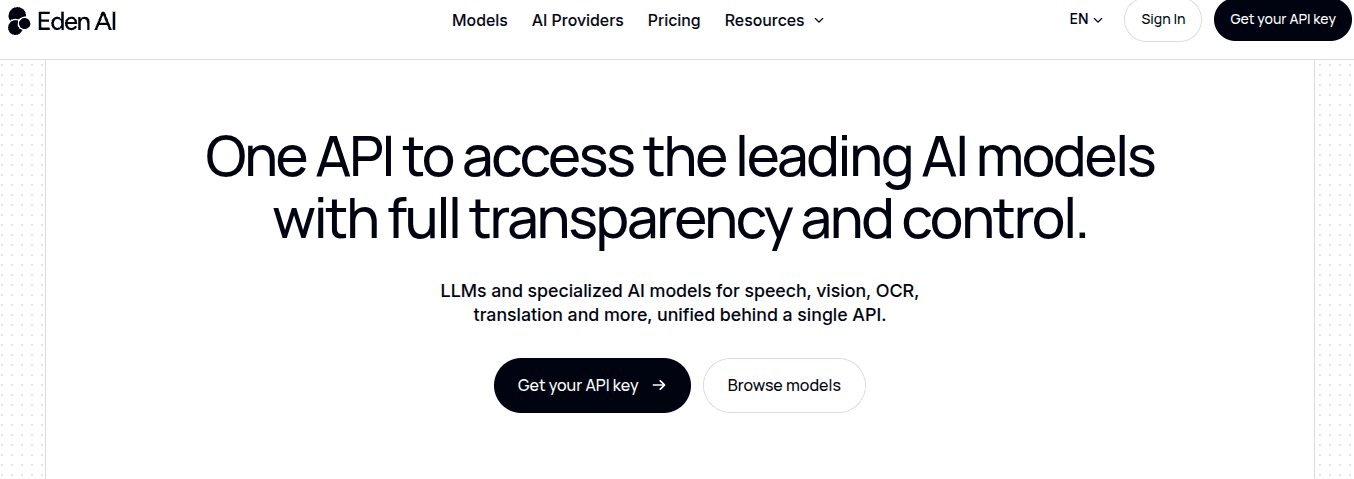
Eden AI is worth considering if your OpenRouter problem is really a broader API aggregation problem. It's not just focused on LLM routing. It gives teams one API for accessing different AI services across text, chat, OCR, document parsing, translation, speech, image analysis, moderation, and other categories.
That makes it useful for products where language models are only one part of the workflow. A document automation product, for example, may need OCR, extraction, translation, classification, and generation in the same pipeline. In that kind of setup, reducing the number of vendor integrations can matter more than having the most advanced LLM routing layer.
Best for
Teams that want one API for multiple AI capabilities, not just chat or completion models.
Why teams choose it over OpenRouter
OpenRouter is mainly useful when the problem is language model access. Eden AI is broader. It can help teams unify provider access across several AI categories, which is useful when an application mixes LLMs with document processing, speech, image, or translation workflows.
This makes Eden AI less of a direct OpenRouter clone and more of an alternative for teams whose AI stack is becoming fragmented across many types of providers.
What it does well
Provides a unified API across multiple AI providers and capabilities
Covers use cases beyond LLMs, including OCR, translation, speech-to-text, image analysis, moderation, and document extraction
Helps teams reduce the number of individual AI provider integrations they need to maintain
Supports products with multimodal or document-heavy AI workflows
Uses provider pricing without markup, with a platform fee applied when purchasing credits
Where it may be less suitable
Broader than OpenRouter, but not necessarily deeper for LLM-specific routing
Teams focused on advanced model routing, fallbacks, evaluations, or request-level monitoring may prefer a gateway built specifically around LLM traffic
Enterprise requirements such as RBAC, audit logs, data residency, private deployment, or policy controls should be validated against current plan details
It may not be the best fit for teams that need a self-hosted OpenRouter replacement
Pricing
Eden AI says it does not mark up provider pricing. Its pricing page states that model catalog prices reflect the underlying provider prices, with an additional 5.5% platform fee applied at checkout when purchasing credits.
Best if
You want an OpenRouter alternative for broader AI API aggregation, particularly if your application combines LLMs with OCR, document extraction, translation, speech, image, or moderation workflows.
5. Kong AI Gateway
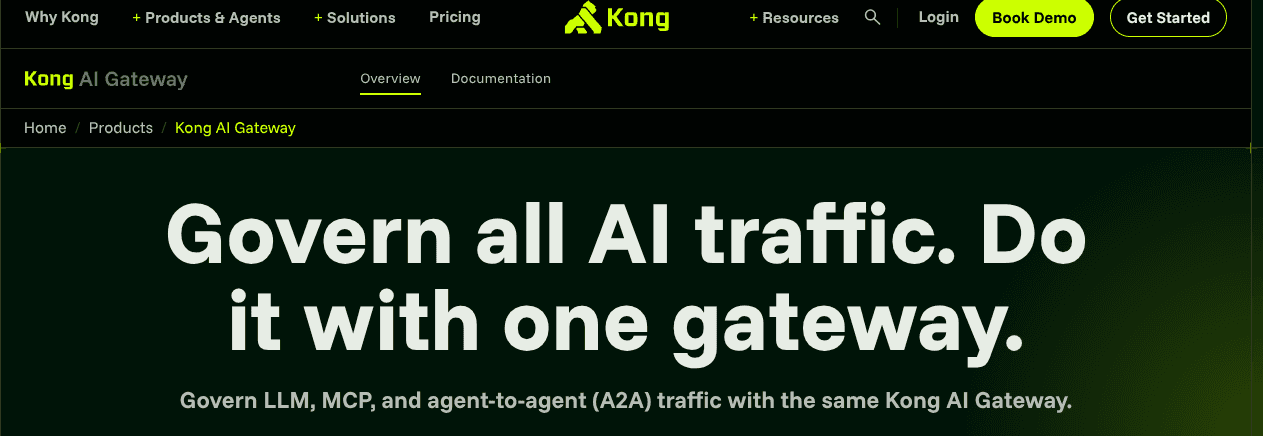
Kong AI Gateway makes the most sense when the team evaluating OpenRouter isn't only the AI application team, but also the platform or infrastructure team. It extends Kong’s existing API gateway model into AI traffic, so LLM requests can be managed with the same kinds of controls enterprises already use for APIs: authentication, access rules, rate limits, caching, traffic policies, and usage analytics.
That makes Kong a different kind of OpenRouter alternative. The main focus isn’t about giving developers the widest model catalog. It's about bringing AI traffic into an enterprise gateway architecture, especially in organizations that already use Kong for API management.
Best for
Enterprise infrastructure and platform teams that want AI traffic managed through an API gateway layer, especially if Kong is already part of the stack.
Why teams choose it over OpenRouter
OpenRouter is useful when developers want quick access to many models. Kong becomes more relevant when the question is: “How do we control AI requests the same way we control the rest of our API traffic?”
For larger organizations, that can be important. AI requests still need authentication, rate limits, abuse controls, logging, and cost visibility. If those controls already live in an API gateway, adding a separate AI-specific access layer may create another place to manage policy. Kong’s advantage is that it lets teams handle AI traffic closer to their existing infrastructure model.
What it does well
Extends Kong’s API gateway architecture to LLM, MCP, and agent-to-agent traffic
Supports a Universal LLM API for routing AI requests
Adds AI-specific controls such as LLM access control, PII sanitization, and prompt guardrails
Provides token-based rate limiting, semantic caching, token tracking, and cost analytics
Fits hybrid, cloud, and self-hosted enterprise gateway environments
Works well when platform teams want AI requests governed alongside existing APIs
Where it may be less suitable
It may be heavier than necessary for teams that only want OpenRouter-style model access
Teams not already using Kong may find the platform overhead harder to justify for LLM routing alone
Some AI Gateway capabilities depend on paid or enterprise plugins and plan limits
Not designed to replace a full AI lifecycle platform for evaluations, prompt/version workflows, knowledge management, or agent monitoring
AI product teams may need platform engineering support to configure and operate it properly
Pricing
Kong offers free trial, Plus, and Enterprise options. AI Gateway capabilities and limits vary by plan, with advanced plugins and self-hosted enterprise deployment available through higher tiers or custom pricing.
Best if
You want an OpenRouter alternative that fits into an existing API management strategy, where AI traffic can be controlled through the same infrastructure used for authentication, rate limiting, security, traffic policies, and usage analytics.
6. Vercel AI Gateway
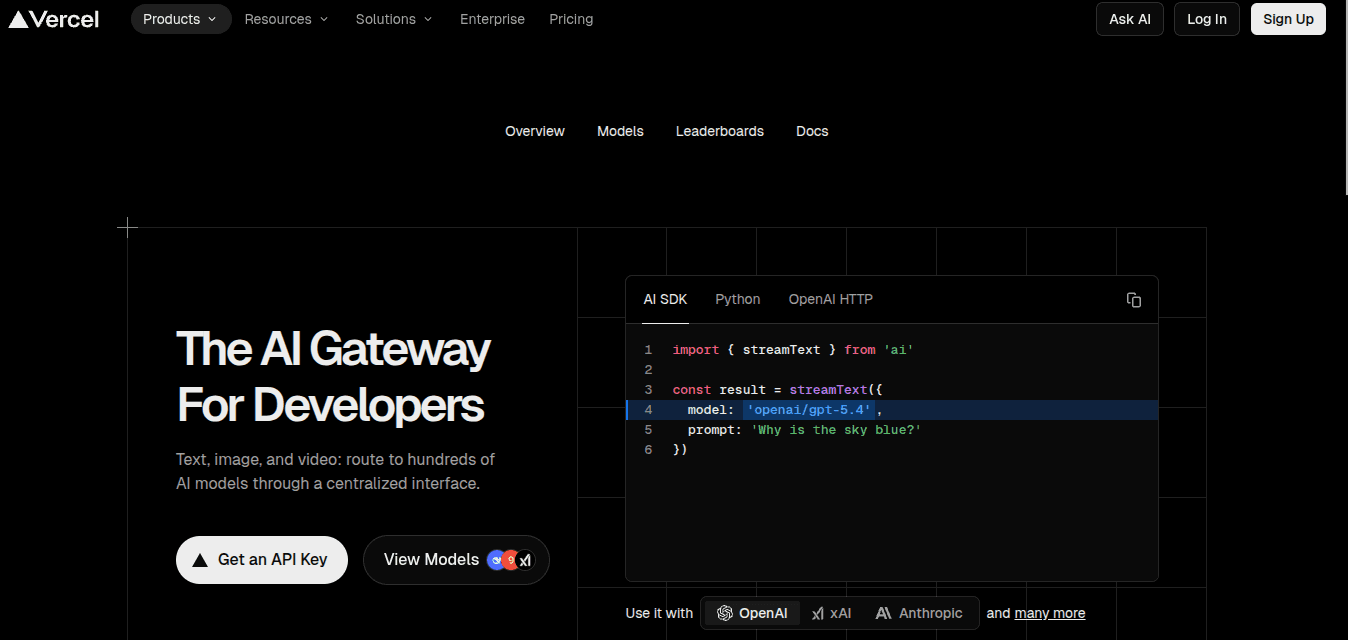
Vercel AI Gateway is most relevant if your AI applications already live on Vercel. In that setup, the appeal is straightforward: developers can access models through a managed gateway without adding another standalone layer for provider accounts, routing, usage tracking, and billing.
This makes it different from OpenRouter. OpenRouter is a general-purpose model access layer. Vercel AI Gateway is more closely tied to the application platform around it, especially the Vercel AI SDK and Vercel-hosted projects. For teams already building there, that can make the development path simpler.
Best for
Teams building AI applications on Vercel that want model access, BYOK, fallback routing, and usage controls inside the same platform workflow.
Why teams choose it over OpenRouter
Vercel AI Gateway solves the platform-fit problem. If your team already uses Vercel for deployment and the Vercel AI SDK for application development, keeping gateway access inside that ecosystem can reduce integration work.
It's less compelling if you want a neutral routing layer across many clouds, internal platforms, or deployment environments. In that case, a more independent gateway or self-hosted proxy may be easier to standardize across the organization.
What it does well
Provides a managed gateway for accessing multiple AI models
Integrates closely with the Vercel AI SDK and Vercel-hosted applications
Supports OpenAI-compatible API usage
Supports BYOK for teams with existing provider credentials
Offers fallback routing when a primary model or provider is unavailable
Provides usage monitoring and budget controls within the Vercel ecosystem
Uses pay-as-you-go AI Gateway credits instead of requiring every team to manage separate provider billing relationships
Where it may be less suitable
Teams outside the Vercel ecosystem may get less value from the integration
It's more focused on developer experience than deep enterprise governance
Organizations needing advanced audit workflows, policy enforcement, data residency controls, or agent lifecycle management may need additional tooling
BYOK and fallback behavior should be reviewed carefully by teams with strict provider-control requirements
It may not be the right fit if the goal is a neutral AI control layer across multiple clouds or internal platforms
Pricing
Vercel AI Gateway uses pay-as-you-go credits and supports zero-markup token usage, including with BYOK. Teams should review gateway costs alongside their broader Vercel usage, since total cost can depend on deployment, traffic, monitoring, and platform requirements.
Best if
You already build AI applications on Vercel and want gateway access, BYOK, fallback routing, and usage controls to sit close to your existing development and deployment workflow.
7. Cloudflare AI Gateway
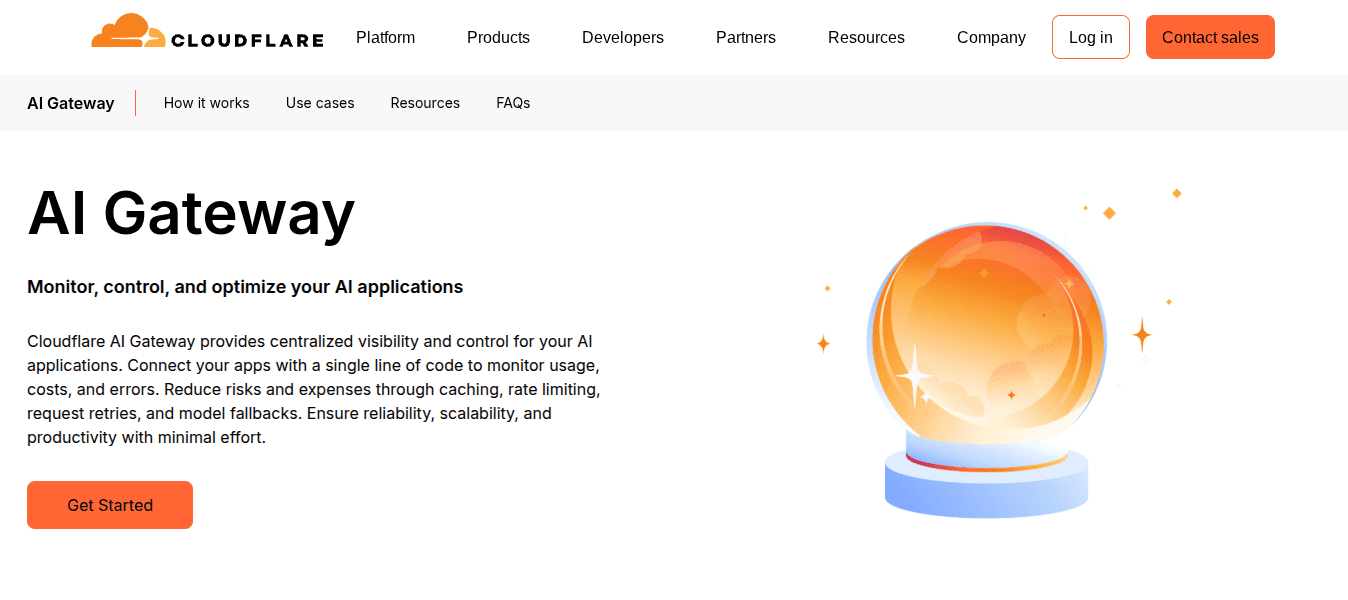
Cloudflare AI Gateway is most useful when AI requests already pass through Cloudflare’s application stack. For teams using Workers, Workers AI, or Cloudflare’s network, it can add request logging, caching, rate limits, retries, and fallback behavior without introducing a separate gateway product.
That makes it different from OpenRouter. OpenRouter is mainly a model access layer. Cloudflare AI Gateway is closer to an edge control point: it helps teams see and manage AI traffic near the infrastructure where their applications already run.
Best for
Teams already using Cloudflare that want AI request logging, caching, rate limiting, retries, and basic fallback controls at the edge.
Why teams choose it over OpenRouter
Cloudflare AI Gateway solves the infrastructure-fit problem. If a team already deploys through Cloudflare, it can be simpler to manage AI traffic there instead of adding another standalone service for gateway logic.
It's useful when the immediate problem is operational: too little visibility into prompts and errors, repeated requests driving up cost, or no clear way to rate-limit AI usage. Cloudflare is less suitable if the main requirement is advanced model orchestration, evaluation workflows, or deep governance across a complex AI estate.
What it does well
Provides a centralized gateway endpoint for AI provider requests
Adds analytics and logging across prompts, requests, errors, token usage, and costs
Supports caching to reduce repeated model calls
Includes rate limiting to control runaway usage and unexpected spend
Supports retries and model fallback through Cloudflare’s Universal Endpoint
Fits naturally with Cloudflare Workers, Workers AI, and edge-based applications
Offers DLP scanning across AI Gateway plans for teams adding data protection checks around AI traffic
Where it may be less suitable
Teams outside the Cloudflare ecosystem may get less value from the integration
it's more focused on request visibility and traffic control than full AI lifecycle management
Teams needing evaluations, agent monitoring, prompt/version workflows, approval gates, or policy management may need additional tooling
Its routing capabilities are lighter than platforms built around advanced model selection and AI operations
Cost, logging, and retention behavior may depend on broader Cloudflare plan limits and Workers usage
Pricing:
Cloudflare AI Gateway includes core gateway capabilities, with usage and scaling tied closely to Cloudflare Workers and related Cloudflare services. Teams should review AI Gateway pricing together with Workers, Workers AI, logging, retention, and broader platform usage.
Best if
You already use Cloudflare and want a lightweight way to add logging, caching, rate limits, retries, fallback behavior, and edge-based controls around AI requests.
8. Together AI
Together AI isn't a like-for-like OpenRouter replacement. It belongs in this list because some teams looking for OpenRouter alternatives are not really trying to replace a gateway. They are trying to get closer to the model layer.
Instead of acting mainly as a neutral router across many proprietary providers, Together AI focuses on infrastructure for open-source models. Teams can use it for serverless inference, batch jobs, dedicated endpoints, fine-tuning, evaluations, and GPU infrastructure.
Best for
Teams that want high-performance inference, fine-tuning, or dedicated infrastructure for open-source models.
Why teams choose it over OpenRouter
OpenRouter is useful when the goal is to access many models through one managed layer. Together AI is more relevant when a team wants more control over how open models are run, tuned, and scaled.
That can matter when teams want predictable performance, dedicated capacity, custom fine-tuning, or a stronger economic case for open-source models. In those cases, the decision is less about routing between providers and more about owning more of the model execution strategy.
What it does well
Provides serverless inference for open-source models with no infrastructure to manage.
Supports batch inference for asynchronous, large-scale workloads.
Offers dedicated model inference for teams that need more control, performance, or predictable capacity.
Supports fine-tuning for open-source models without teams managing training infrastructure.
Provides evaluations and GPU infrastructure as part of a broader AI cloud.
Fits teams that want to optimize open-source model performance and economics rather than rely mainly on proprietary model APIs.
Where it may be less suitable
Not a direct replacement for OpenRouter’s broad proprietary model marketplace
Best for open-source model inference and infrastructure, not vendor-neutral routing across every major provider
Teams that need audit workflows, RBAC, policy enforcement, or AI lifecycle management may need additional tooling
It may be more infrastructure-oriented than teams need if they only want a simple unified API for experimentation
Pricing and fit depend heavily on the model, inference mode, deployment option, and expected workload
Pricing
Together AI pricing varies by product and workload. Serverless inference, batch inference, dedicated endpoints, fine-tuning, dedicated containers, and GPU clusters use different pricing models, so teams should compare costs against their expected usage pattern rather than looking only at headline token prices.
Best if
You want infrastructure for running, tuning, and scaling open-source models more directly.
Free OpenRouter alternatives worth trying
Free OpenRouter alternatives can be useful for early experiments, internal prototypes, or teams that want to test a different gateway model before committing to a paid plan. The important thing is to understand what “free” actually means.
In this category, it usually means one of three things: open-source software you operate yourself, a limited free tier, or usage credits that eventually turn into paid usage.
Option | Free option | Best for | Main tradeoff |
LiteLLM | Open-source proxy | Teams that want to self-host their OpenRouter replacement | You own deployment, uptime, scaling, and maintenance |
Portkey Gateway | Open-source gateway / free plan | Teams testing routing, fallbacks, guardrails, and request monitoring | Advanced security, team, and enterprise features may require paid plans |
Cloudflare AI Gateway | Free core gateway features | Cloudflare users adding AI logging, caching, and rate limits | Most useful if your applications already run through Cloudflare |
Vercel AI Gateway | Free credits / pay-as-you-go | Vercel teams testing model access inside their app workflow | Best fit if you already build and deploy on Vercel |
Eden AI | Free credits / free access to start | Teams testing multiple AI APIs beyond LLMs | Less focused on advanced LLM routing or production request management |
For early testing, these options can be enough. Before relying on any free option in production, look past the software price and ask practical questions: who operates the gateway, where logs and credentials live, how quickly limits appear, and what changes when usage moves from a prototype to a customer-facing workflow.
How to choose the right OpenRouter alternative
Start with the reason OpenRouter no longer fits. If it still gives your team the access, reliability, and visibility you need, switching might only add complexity. The case for an alternative becomes apparent when one part of the setup becomes hard to manage.
This isn't about finding the tool with the longest feature list. It’s more so about matching the alternative to the constraint that actually pushed you beyond OpenRouter.
If the problem is… | Look for… | Best-fit alternatives |
You need tighter team controls | RBAC, virtual keys, budgets, audit logs, approval paths | Orq.ai, Portkey, Kong AI Gateway |
You want to run the gateway yourself | Open-source proxy, private deployment, direct infrastructure ownership | LiteLLM, Portkey |
You have EU or regulated-market requirements | EU data residency, auditability, GDPR / EU AI Act readiness | Orq.ai |
You can’t see what is happening in production | Request logs, traces, latency, cost by workflow, fallback visibility | Orq.ai, Portkey, Cloudflare AI Gateway |
Your company already standardizes on API gateways | Existing traffic policies, security controls, authentication, rate limits | Kong AI Gateway |
Your apps are already built on Vercel | SDK fit, simple model access, BYOK, usage controls | Vercel AI Gateway |
Your apps already run through Cloudflare | Edge caching, rate limiting, logging, retries, fallback behavior | Cloudflare AI Gateway |
You want more control over open models | Serverless inference, fine-tuning, dedicated endpoints, GPU infrastructure | Together AI |
For early experiments, choose the option that removes the most friction. For production systems, look at what will be the biggest bottleneck six months from now: who can use which model, where requests are routed, how costs are attributed, what happens when a provider fails, and whether the team can explain those decisions later.
A useful shortcut you can use is choosing a self-hosted proxy if ownership matters most, an infrastructure-native gateway if it fits your existing stack, and a broader AI platform if routing needs to connect with cost, quality, monitoring, and policy decisions.
Migration guide: moving from OpenRouter
Moving from OpenRouter to another gateway is usually simpler when the new platform supports an OpenAI-compatible API. In that case, the first step may be as small as changing the base URL, API key, and model names.
The harder work is usually around the operating model. Before moving live traffic, teams need to know how provider credentials will be handled, how fallbacks will work, how usage will be tracked, and what will happen if latency, cost, or quality changes after the switch.
Before migrating, check:
API compatibility: Does the alternative support an OpenAI-compatible API, or will the application need code-level changes?
Model mapping: Do the same model names exist, or do they need to be remapped to equivalent models?
Provider credentials: Will you use the gateway’s credentials, BYOK, or direct provider accounts?
Fallback behavior: How are retries, timeouts, backup models, and provider failures configured?
Pricing model: Are you paying provider pass-through rates, gateway credits, platform fees, or enterprise pricing?
Logging: Can you track latency, cost, errors, and usage by app, user, team, or workflow?
Access controls: Do you need RBAC, audit logs, budgets, or policy rules before production rollout?
Testing: Can you route staging or low-risk traffic first before switching production workloads?
For simple applications, migration may only require a few configuration changes. For production systems, treat the move as an operational change: test with non-critical traffic, compare latency and cost, validate fallback behavior, and confirm that logs and monitoring work as expected.
Why enterprise teams choose Orq.ai over access-first gateways
OpenRouter is useful when the main job is to reach many models through one API. Enterprise teams usually run into a different problem: the gateway becomes part of how AI is operated.
Orq.ai Router is built for that operating model: a router that is connected to the surrounding controls enterprises need for cost, quality, monitoring, and policy.
That matters most in regulated or European environments, where routing isn't only an engineering decision. Teams may need EU data residency, SOC 2, GDPR alignment, EU AI Act readiness, and clearer evidence of how AI systems are being used. In that context, the router becomes the place where cost, quality, compliance, and reliability decisions meet.
“For enterprise teams, AI sovereignty and governance are becoming architectural questions. Teams need to know where inference happens and whether they can explain model behavior after deployment. The routing layer is where many of those controls come together.” - Sohrab Hosseini, Orq.ai co-founder
bunq is a useful example because it shows this problem at a mature stage. The bank had already built its own LLM routing infrastructure, so the issue was not a lack of engineering ability. The challenge was the ongoing cost and complexity of maintaining routing, governance, observability, and cost monitoring as GenAI workflows scaled. bunq moved to Orq.ai’s AI Router to support those requirements in a more sustainable way.
For teams comparing Orq.ai Router and OpenRouter directly, the distinction is simple: OpenRouter helps teams access models faster. Orq.ai Router is designed to help teams operate model traffic once AI systems become part of production workflows.
Final takeaway: choose based on what OpenRouter no longer solves
OpenRouter remains a good choice when the main job is to try models quickly. If your team is comparing outputs, testing costs, or shipping an early AI feature, one API and a broad model catalog may be exactly enough.
The need for an alternative usually appears when the gateway becomes part of the production path. At that point, teams start caring less about how many models they can reach and more about what happens around each request: who can use which model, where traffic is routed, how fallbacks behave, how costs are attributed, and whether the system can be explained after something goes wrong.
For teams that mainly need self-hosting, API gateway integration, Vercel-native workflows, Cloudflare-native controls, or open-model infrastructure, there are several strong alternatives. But if the reason you're leaving OpenRouter is that AI has moved from experimentation into production, Orq.ai Router is the right fit.
See how Orq.ai Router helps production teams move beyond model access into controlled, observable AI operations by booking a demo here.

Sohrab Hosseini
Co-founder (Orq.ai)
About
Sohrab is one of the two co-founders at Orq.ai. Before founding Orq.ai, Sohrab led and grew different SaaS companies as COO/CTO and as a McKinsey associate.