
9 Best LLM Gateways in 2026
Compare the 9 best LLM gateways in 2026, including open-source and managed options. Review pricing, latency, provider coverage, and governance features.

Sohrab Hosseini
Co-founder (Orq.ai)
Bring LLM-powered apps from prototype to production
Discover a collaborative platform where teams work side-by-side to deliver LLM apps safely.






A single model integration feels simple. A multi-provider AI stack becomes infrastructure.
In our experience, AI teams don’t start by looking for an LLM gateway. They start with a model integration. At first, that might be enough. One team connects to one provider, tests a few prompts, and ships an early feature.
But as the product matures, the setup usually expands. A lower-cost model handles simple tasks. A stronger model handles complex reasoning. Another provider becomes the fallback. A fourth is used because it performs better in a specific region, language, or workflow.
And that’s where the real problem appears. It isn’t about simply calling an LLM anymore. Teams have to manage the layer between their applications and the models they depend on. Without a shared gateway, retries live in one service, fallback logic in another, and model rules scattered across application code.
The failure mode is rarely dramatic. A fallback sends routine support traffic to a premium model for three weeks. A team adds a new provider for one workflow, then other teams copy the pattern without tracking usage. Nothing breaks. The product keeps working. But by the time the bill arrives, no one can explain which workflow changed, which model handled the traffic, or whether quality actually improved.
LLM gateways are designed to bring that control point back into one place. They give teams a shared layer for routing requests and understanding how AI traffic behaves once real users and real budgets are involved.
“In production, every routing decision affects cost, latency, quality, compliance, and customer experience. That’s why the router needs to be connected to monitoring, evaluation, and policy from the beginning.” - Sohrab Hosseini, Orq.ai co-founder
This guide compares nine LLM gateways through that production lens. Instead of ranking tools by model count alone, we’ll look at what each gateway is actually built to solve: fast model access, self-hosted control, request monitoring, API gateway integration, edge deployment, cloud-native model access, or a broader operating layer for production AI.
What is an LLM gateway?
An LLM gateway sits between your application and the model providers it uses. Instead of every service connecting directly to OpenAI, Anthropic, Google, AWS, or other providers, requests pass through one shared layer.
That shared layer can handle the parts of LLM infrastructure that become messy in production. You end up with routing requests to the right model, retrying failed calls, falling back to another provider and logging what happened when something breaks.
The terms proxy, router, and gateway are often used interchangeably but they aren’t quite the same:
LLM proxy: forwards requests from your application to one or more model providers
LLM router: decides which model or provider should handle a request
LLM gateway: adds the broader operating layer around model traffic, including routing, retries, fallbacks, logging, cost controls, access rules, and policy enforcement
In simple terms: a proxy passes traffic, a router makes routing decisions, and a gateway gives teams a place to manage how model traffic behaves in production.
When a lightweight LLM gateway is enough
A lightweight gateway may be enough if your team mainly needs fast access to several models, simple provider abstraction, and basic fallback behavior. If your team is prototyping, comparing outputs, or building an internal tool with limited risk, a full production AI platform could add more complexity than value.
We often see teams need a more advanced gateway when model usage spreads across teams, regulated data, or meaningful spend. At that point, they need clearer answers around who can use which models, what happens when providers fail, and whether quality is being monitored after deployment.
How we evaluated these LLM gateways
We evaluated each LLM gateway based on the problems teams run into after the first model integration works. Model coverage matters, but that’s only one part of the decision. A gateway also needs to fit the way your team handles reliability, cost, deployment, access, and production monitoring.
The main criteria were:
Evaluation area | What we looked for |
Provider and model coverage | Whether teams can route across the providers and models they actually use, including commercial, open-source, custom, or cloud-hosted models. |
Routing and fallback behavior | How requests are routed, whether the gateway supports retries and fallbacks, and how much control teams have over model selection. |
Latency overhead | Whether the gateway adds measurable delay, and whether teams can manage latency by region, provider, cache, or routing policy. |
Cost visibility | Whether teams can track usage and spend by model, provider, user, team, application, or workflow. |
Access and policy controls | Whether the gateway supports virtual keys, RBAC, audit logs, rate limits, data controls, and team-level permissions. |
Deployment model | Whether the gateway is managed, self-hosted, hybrid, cloud-native, edge-native, or suitable for private deployment. |
Production visibility | Whether teams can trace requests, debug failures, monitor latency, inspect fallback behavior, and understand what happened after a model call. |
Lifecycle fit | Whether the gateway connects with the broader AI workflow, including evaluations, prompt/version management, monitoring, experimentation, and agent orchestration. |
The goal here wasn’t to reward the longest feature list. Rather, we wanted to show which gateways fit different operating models: fast model access, self-hosted control, observability-first development, API gateway integration, cloud-native deployment, or full production AI operations.
Best LLM gateways at a glance: comparison table
Have a look at the table below as a quick overview between the LLM gateways:
Gateway | Best when your priority is… | Deployment | Free / open-source option? | Control model | Main tradeoff |
Orq.ai AI Router / AI Gateway | Production routing tied to cost, quality, evaluations, monitoring, and policy | Managed platform | Free tier | Platform-led | More platform than teams need for simple experimentation |
OpenRouter | Fast access to many models through one API | Managed API | Free tier / free models | Access-led | Strong for model access, lighter for deep production controls |
LiteLLM | Running your own OpenAI-compatible proxy across providers | Self-hosted / enterprise | Open-source | Team-operated | Your team owns deployment, scaling, uptime, and maintenance |
Portkey | Request-level control, guardrails, caching, and LLM traffic visibility | Managed + open-source gateway | Free plan / open-source gateway | Gateway-led | Broader AI lifecycle workflows may still require additional tooling |
Kong AI Gateway | Bringing AI traffic into an existing API gateway strategy | Self-hosted / cloud / hybrid | Free trial / partly open-source | Infrastructure-led | Can be heavy if you only need LLM routing |
Cloudflare AI Gateway | Edge-native logging, caching, rate limiting, and fallback | Managed edge / Workers | Free core features | Edge-led | Best fit for Cloudflare-native teams |
Helicone | Observability-first LLM gatewaying and request analytics | Managed + open-source | Free tier / open-source | Observability-led | Strong for monitoring, lighter for full enterprise governance |
Vercel AI Gateway | Model access inside Vercel and the Vercel AI SDK workflow | Managed / Vercel platform | Free credits / PAYG | App-platform-led | Less useful outside the Vercel ecosystem |
Amazon Bedrock | AWS-native model access with IAM, guardrails, and regional inference | Managed AWS service | No general open-source option | Cloud-platform-led | Strong inside AWS, less neutral across non-AWS providers |
This table isn’t meant to make one gateway “win” every category. The best fit depends on the operating model your team needs. OpenRouter and Vercel are strong for fast application development.
LiteLLM and Helicone appeal to teams that want open-source control or observability. Kong, Cloudflare, and Bedrock fit teams already anchored in those infrastructure platforms. Orq.ai Router is strongest when routing needs to connect with evaluations, monitoring, budgets, and governance across production AI workflows.
9 best LLM gateways in 2026
The tools below aren’t all trying to solve the same gateway problem. Some are built for fast model access. Some help teams run their own proxy across providers. Others fit into an existing API gateway, edge, cloud, or application platform. A smaller group is designed for teams that need routing to connect with cost, quality, monitoring, evaluations, and policy decisions in production.
That distinction matters. A startup testing models won’t need the same gateway as a bank routing AI traffic across regulated workflows. A platform team that wants to self-host has different priorities from a product team building on Vercel.
Each gateway below is evaluated by fit: what it replaces, where it works best, and what tradeoffs teams should understand before choosing it.
1. Orq.ai Router
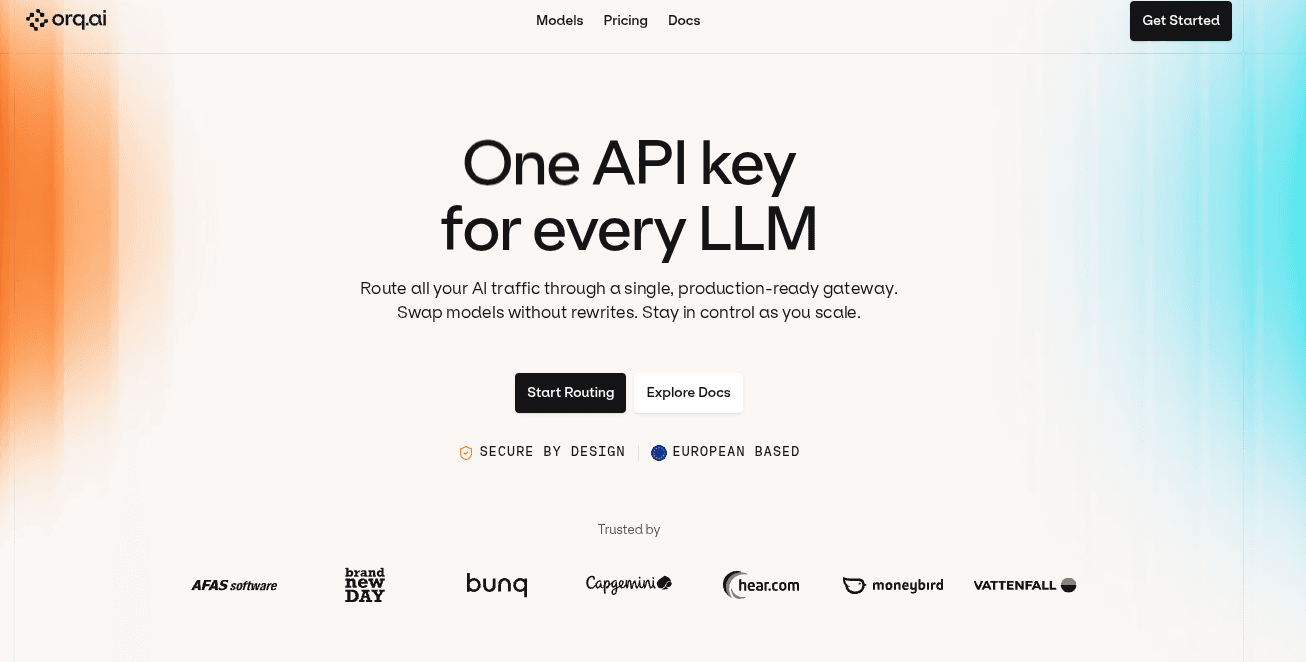
Orq.ai Router is the strongest fit when an LLM gateway needs to do more than pass requests between an application and a model provider. It gives teams a router for accessing 400+ models across 20+ providers and its main value is the operating layer around that router: budgets, identity tracking, fallbacks, evaluations, monitoring, knowledge workflows, and policy controls..
“In production, every routing decision affects cost, latency, quality, compliance, and customer experience. The router needs to be connected to monitoring, evaluation, and policy from the beginning.” - Sohrab Hosseini, Orq.ai co-founder
Best for
Production AI teams that want model routing connected to cost control, monitoring, evaluations, governance, and broader workflow management from the same platform.
Why teams choose it
Orq.ai Router keeps the familiar gateway pattern: one API, OpenAI-compatible access, and routing across multiple providers. The difference is that it connects routing with the surrounding controls teams need as AI systems mature. Teams can use Orq.ai Router as a standalone AI Router or as part of the wider Orq.ai platform, depending on how much of the AI lifecycle they want to manage in one place.
What it does well
Routes traffic across 400+ models from 20+ providers through an OpenAI-compatible API
Supports smart routing, fallbacks, retries, BYOK, budget controls, and identity tracking
Links gateway usage with evaluations, monitoring, knowledge workflows, and agent operations
Supports enterprise requirements such as EU data residency, SOC 2, GDPR, and EU AI Act readiness
Can be used as a standalone router or as part of the full Orq platform
Where teams hit limits
Teams that only need a lightweight proxy for experimentation might not need the full platform
Smaller teams may not need the governance, evaluation, and lifecycle layer at the beginning
Some advanced enterprise features may depend on the selected plan
Pricing
Orq.ai Router offers a free tier, with production and enterprise plans available for higher usage, governance, monitoring, and platform requirements.
Best if
You need an LLM gateway that connects routing with cost, quality, monitoring, evaluations, and policy control in one production-ready platform.
2. OpenRouter
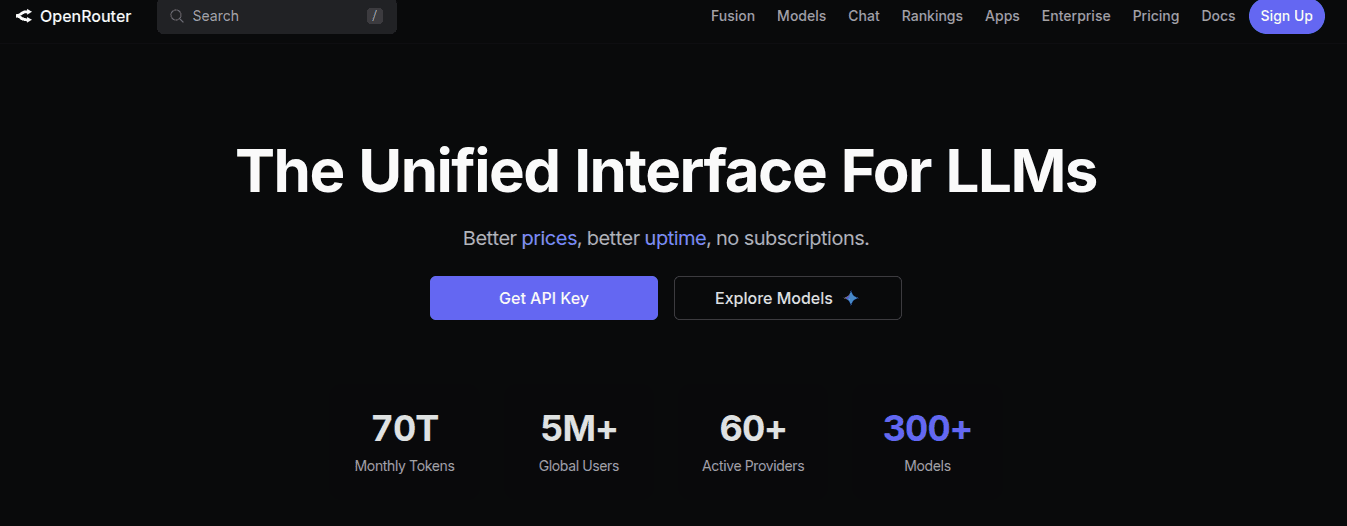
OpenRouter is one of the easiest ways for developers to access many LLMs through one API. Instead of integrating separately with OpenAI, Anthropic, Google, Meta, Mistral, and other providers, teams can route requests through an OpenAI-compatible interface and centralize model access, billing, and usage.
That makes OpenRouter useful when the main goal is speed. Teams can compare models quickly, switch providers with less engineering work, and use fallback behavior when a provider is unavailable. For experimentation, model discovery, and early production workloads, that simplicity is a real advantage.
Best for
Teams that want fast access to many LLMs through one API, especially for experimentation, model comparison, and early production workloads.
What it does well
Provides access to 300+ models through one API
Uses an OpenAI-compatible interface to reduce integration work
Aggregates billing and usage across providers
Supports automatic fallback between providers when failures occur
Allows provider routing based on factors such as price or throughput
Offers free, pay-as-you-go, and enterprise options
Supports separate API keys for environments such as development, staging, and production
Where teams hit limits
Better suited to model access and provider abstraction than full production AI operations
Teams needing approvals, policy workflows, audit trails, evaluations, or agent monitoring may need additional tooling
Usage and activity visibility may not replace full tracing or evaluation workflows
Latency can vary depending on model, provider, and region, so teams with strict latency requirements should test carefully
Free-tier usage is rate-limited, and upstream providers may still throttle traffic or experience downtime
Pricing
OpenRouter offers Free, Pay-as-you-go, and Enterprise plans.
Pay-as-you-go users buy credits and use them across models, while Enterprise pricing depends on volume, annual commitments, invoicing, and other factors. Free users are limited to 50 requests per day and 20 requests per minute; paid-model usage does not have OpenRouter-enforced platform rate limits, though provider-side limits can still apply.
Best if
You want the fastest path to broad model access, unified billing, and provider fallback without building or maintaining separate integrations for every model provider.
3. LiteLLM
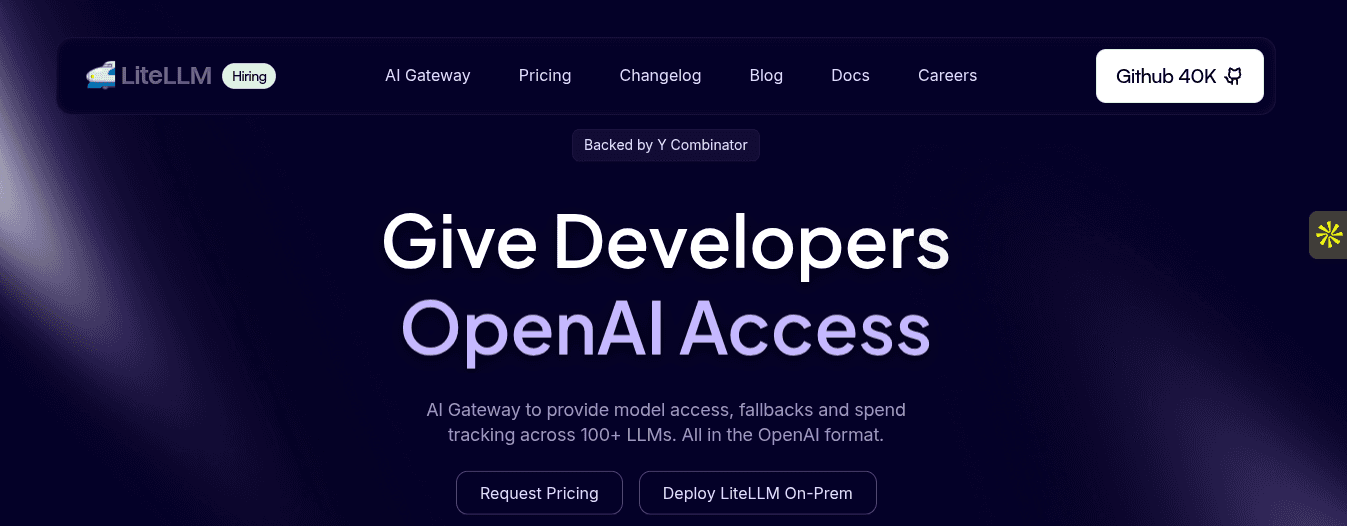
LiteLLM is one of the clearest choices when a team wants to run the gateway layer themselves. It’s an open-source LLM gateway and proxy that gives teams an OpenAI-compatible interface across 100+ LLMs and providers.
Its main appeal is ownership. Instead of relying on a managed gateway, platform teams can self-host LiteLLM and keep routing logic inside their own infrastructure.
Best for
Engineering and platform teams that want an open-source, self-hosted LLM proxy with direct control over provider access, routing, budgets, and spend tracking.
What it does well
Provides a unified OpenAI-compatible interface across 100+ LLMs and providers
Can be used as either a Python SDK or a self-hosted proxy server
Supports retries, fallbacks, load balancing, and routing across multiple deployments
Includes virtual keys, cost tracking, budgets, rate limits, and an admin UI
Helps teams standardize model access across OpenAI, Anthropic, Azure, Bedrock, Vertex AI, Gemini, and others
Gives platform teams more control over where gateway infrastructure runs
Where teams hit limits
Self-hosting means the team owns deployment, uptime, scaling, maintenance, and incident response
Open-source flexibility can become operational overhead if there is no dedicated platform team
Production monitoring, compliance workflows, and evaluation processes may require additional tooling or enterprise features
Governance depends heavily on how the team configures and operates the gateway
It may be more infrastructure than smaller teams need if they only want simple model access or quick experimentation
Pricing
LiteLLM’s open-source Python SDK and proxy are free to use, with teams paying their underlying model providers directly. LiteLLM also offers enterprise options for organizations that need additional support, governance, security, or commercial features.
Best if
You want an open-source, self-hosted LLM gateway that gives your platform team control over provider access, routing, fallbacks, budgets, and spend tracking.
4. Portkey
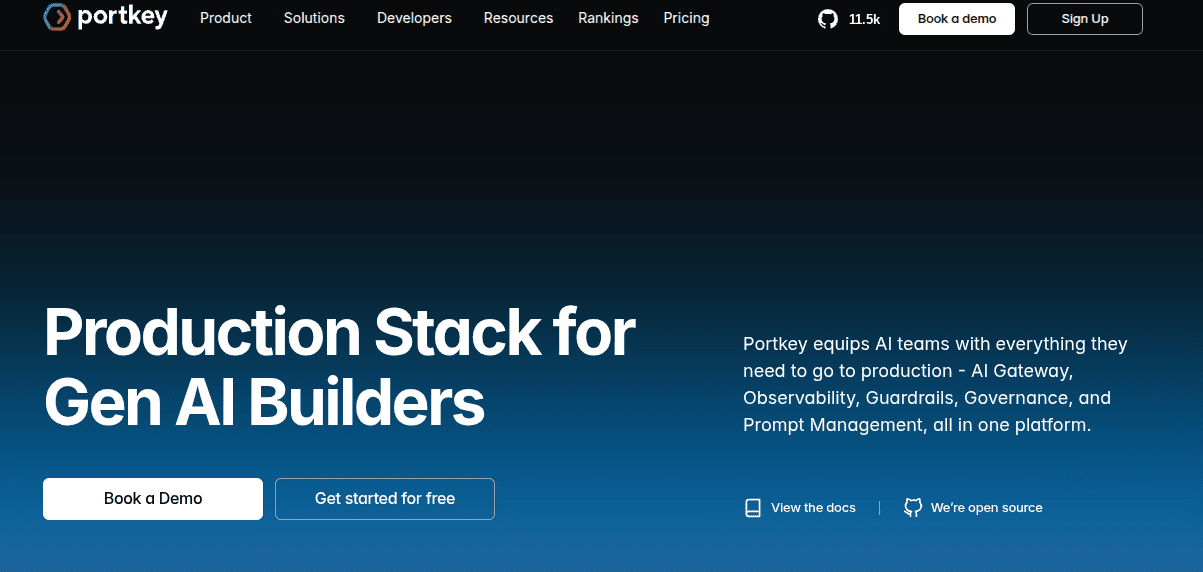
Portkey is a strong fit when teams want more structure around LLM traffic without building the gateway layer themselves. It combines a unified API for model access with routing, fallbacks, caching, request logs, traces, guardrails, and team-level controls.
That puts Portkey between a lightweight proxy and a broader AI operations platform. It’s more focused than a simple model-access gateway, but still mainly centered on managing requests: where they go, when they retry, when they fall back, and whether inputs and outputs should pass through guardrails.
Best for
Teams that want an AI gateway built around routing, fallbacks, guardrails, caching, request visibility, and team-level controls.
What it does well
Provides a unified API for routing across 250+ LLMs
Supports fallbacks, retries, load balancing, conditional routing, and request timeouts
Includes simple and semantic caching to reduce repeated calls
Offers real-time guardrails, including deterministic, LLM-based, partner, and bring-your-own guardrails
Provides request logs, traces, latency data, and cost visibility
Supports org-level features such as RBAC, audit logs, and centralized model access
Has an open-source gateway, with managed and enterprise options for production teams
Where teams hit limits
Portkey is stronger as an AI gateway/control layer than as a complete agent lifecycle platform
Teams that need deeply integrated evaluation, agent workflow management, knowledge management, and deployment lifecycle control may still need additional tooling
Some advanced governance, infrastructure, and enterprise capabilities depend on the selected plan
Teams with strict data residency or private deployment requirements should confirm whether hosted, private, hybrid, or enterprise deployment options match their compliance needs
It can be more than smaller teams need if they only want simple model experimentation or unified model access
Pricing
Portkey has Solution, Startup, and Enterprise plan tiers. Features like centralized model access, cost optimization, role-based access control, org-wide audit logs, network-level guardrails, advanced security configurations, dedicated support, and customized infrastructure vary by tier.
Best if
You want a gateway-first platform for routing, fallbacks, guardrails, caching, request visibility, and cost tracking, but do not necessarily need a full end-to-end agent engineering platform.
5. Kong AI Gateway
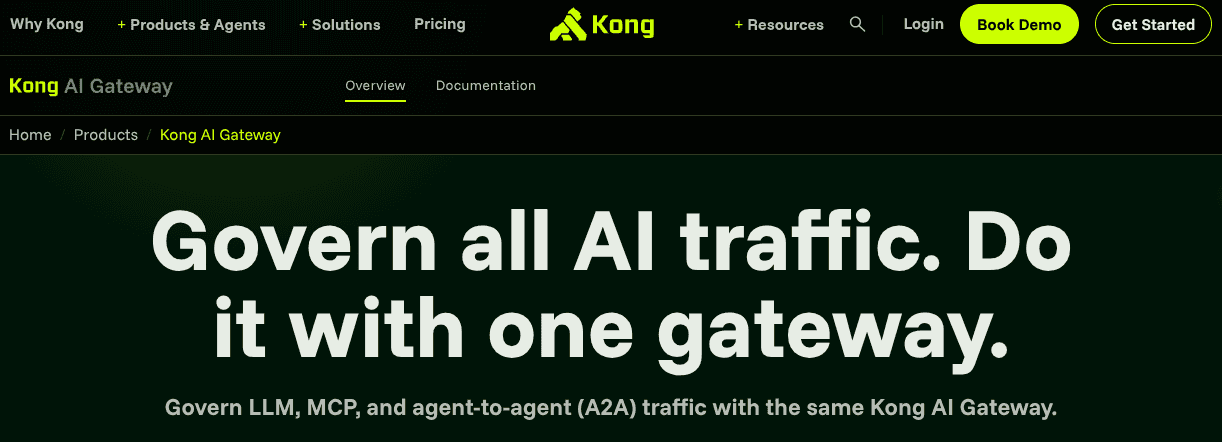
Kong AI Gateway makes the most sense when AI traffic needs to be managed through the same infrastructure layer as the rest of the company’s APIs. It extends Kong’s existing gateway model into LLM, MCP, and agent-to-agent traffic, so teams can apply familiar controls such as authentication, rate limits, traffic policies, caching, logging, and security rules.
That makes Kong different from a lightweight LLM gateway. It’s not primarily built for fast model experimentation. Its strength is bringing AI requests into an API management architecture that many enterprises already use.
Best for
Enterprise infrastructure and platform teams that already use Kong, or want AI traffic managed through a mature API gateway architecture.
What it does well
Extends an established API gateway model to AI traffic management
Routes requests to multiple AI providers through a universal API layer
Supports AI-specific rate limiting, including token-aware traffic controls
Offers semantic caching to reduce repeated LLM calls
Provides token-level tracking, request visibility, and real-time cost analytics
Includes controls such as LLM access control, authentication, PII sanitization, and prompt guardrails
Can manage LLM, MCP, and agent-to-agent traffic in the same platform
Fits hybrid and enterprise API management environments well
Where teams hit limits
Adopting Kong only for LLM routing may introduce more infrastructure complexity than some AI teams need
Teams looking for a lightweight gateway may find an API-gateway-first model too heavy
Advanced AI Gateway capabilities may depend on paid or enterprise plugins
Not a full agent lifecycle platform, so teams may still need separate tooling for evaluations, prompt/version management, agent workflows, and continuous improvement
Configuration and operations may require platform engineering support
Pricing
Kong offers free, paid, and enterprise-style plans, with AI Gateway functionality available through different plugins depending on the tier. Its pricing page lists AI Gateway capabilities such as Universal LLM API, PII sanitization, prompt guardrails, LLM access control, token-based rate limiting, semantic caching, token-level tracking, and real-time cost analytics.
Several advanced AI plugins are positioned as paid or enterprise add-ons.
Best if
You already use Kong for API management, or you want AI traffic governed through the same infrastructure layer used for security, routing, rate limiting, observability, and cost controls across APIs, LLMs, MCP, and agent traffic.
6. Cloudflare AI Gateway
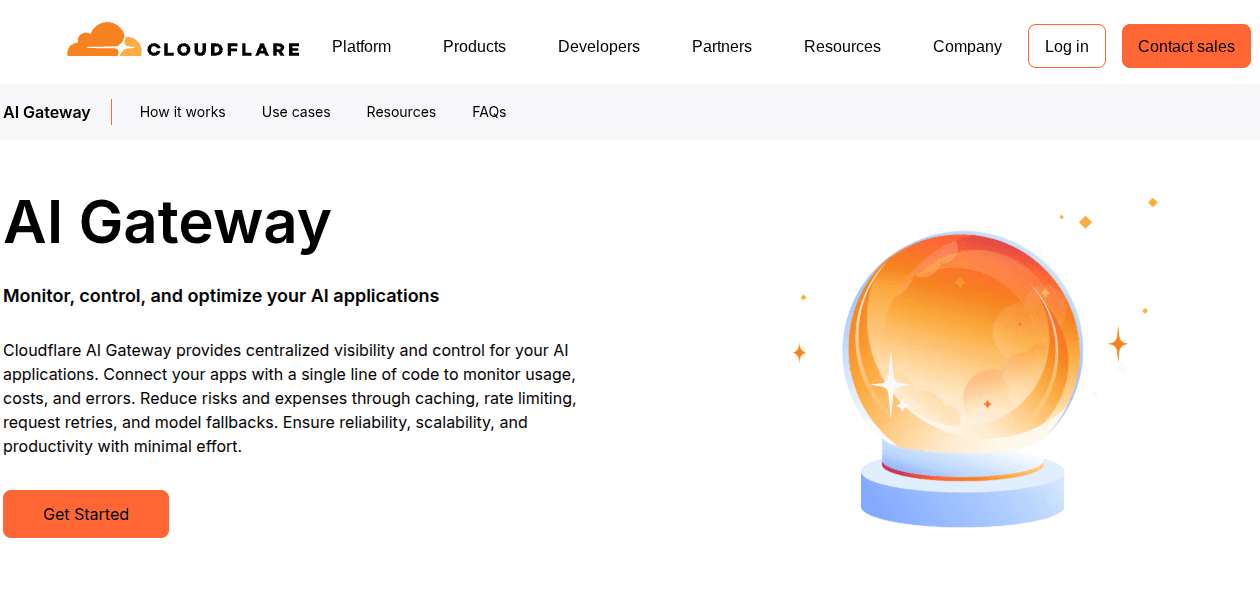
Cloudflare AI Gateway is a good fit when AI requests already pass through Cloudflare’s application stack. For teams using Workers, Workers AI, or Cloudflare’s edge network, it can add logging, caching, rate limiting, retries, fallback behavior, and cost tracking without requiring a separate LLM gateway stack.
Its strong point isn’t full AI lifecycle management. Cloudflare’s main advantage is operational convenience. Teams can observe and manage model calls close to where their applications already run. That makes it useful when the immediate problems are repeated requests, runaway usage, limited request visibility, or provider failures.
Best for
Teams already using Cloudflare that want an edge-native way to add AI request logging, caching, rate limiting, fallback behavior, and cost visibility.
What it does well
Provides a centralized gateway endpoint for AI provider requests
Adds analytics and logging across prompts, requests, errors, token usage, and costs
Supports caching for repeated AI requests, which can reduce latency and provider spend
Includes rate limiting to help prevent runaway usage, suspicious activity, and unexpected bills
Supports retries and model fallback through the Universal Endpoint
Lets teams set custom costs when they have negotiated provider pricing
Where teams hit limits
Strongest as an edge-native control and observability layer, not a full AI lifecycle platform
Teams needing deep evaluation workflows, agent lifecycle management, prompt/version governance, or deployment approvals may need additional tools
Routing intelligence is useful, but lighter than platforms built around advanced orchestration, policy-driven model selection, and end-to-end AI operations
Cost and logging behavior can depend on the broader Cloudflare Workers plan, usage levels, and log retention requirements
Best fit is usually Cloudflare-native teams. Enterprises outside that ecosystem may not get the same operational benefit
Pricing
Cloudflare’s AI Gateway docs state that DLP scanning is free on all plans, while gateway usage and scaling are closely tied to Cloudflare’s Workers model. Cloudflare AI Gateway supports cost tracking and custom costs for negotiated pricing, while Workers AI uses its own model-based pricing through Cloudflare’s neuron system.
Best if
You already build on Cloudflare and want a low-friction AI gateway for logging, caching, rate limiting, fallback behavior, and cost visibility at the edge, without adopting a heavier AI operations platform.
7. Helicone
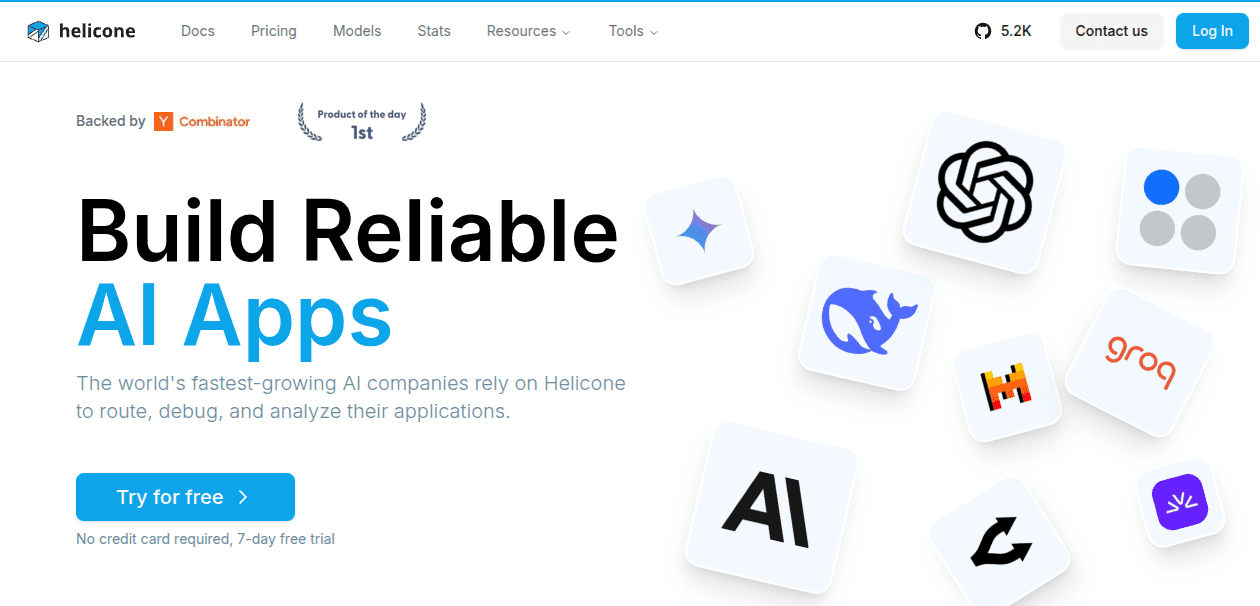
Helicone is a strong fit for teams whose main gateway problem is visibility. It’s an open-source LLM observability platform with an AI Gateway for unified model access, routing, fallbacks, caching, and cost tracking. When teams need to understand what their LLM applications are doing in production, it can be a good choice. This includes factors like which models are being called, how much requests cost, where latency appears, and how provider failures affect users.
Compared with broader AI control platforms, Helicone is more focused on the gateway-observability layer.
Best for
Developer and platform teams that want an open-source AI gateway with strong request logging, cost tracking, caching, and provider fallback.
What it does well
Provides a unified OpenAI-compatible API for 100+ LLM providers
Combines gateway routing with request-level observability for latency, token usage, and cost
Supports automatic fallbacks across providers when an API fails or rate limits traffic
Offers provider routing, including cheapest-available routing and switching when providers hit rate limits or outages
Includes cost tracking and optimization tooling across providers and models
Is open source and designed to support self-hosting and transparency
Can work as both a gateway layer and an observability layer for LLM applications
Where teams hit limits
Strongest for gatewaying, observability, and cost analytics, not full agent lifecycle management
Teams that need evaluation workflows, approval gates, knowledge management, deployment lifecycle control, or multi-agent orchestration may still need additional tooling
Not positioned as a full enterprise AI governance platform
Self-hosting gives teams control, but also creates responsibility for deployment, scaling, upgrades, and availability
Teams standardizing on a broader AI platform may not need a separate observability-first gateway layer
Pricing
Helicone offers a free tier and paid plans. Its positioning emphasizes open-source flexibility, provider flexibility, and cost-effective scaling, with gateway usage tied to its broader observability platform.
Best if
You want an open-source AI gateway that combines model access, routing, fallbacks, caching, cost tracking, and request observability. Especially if debugging and monitoring LLM traffic matter more than full agent lifecycle management.
8. Vercel AI Gateway
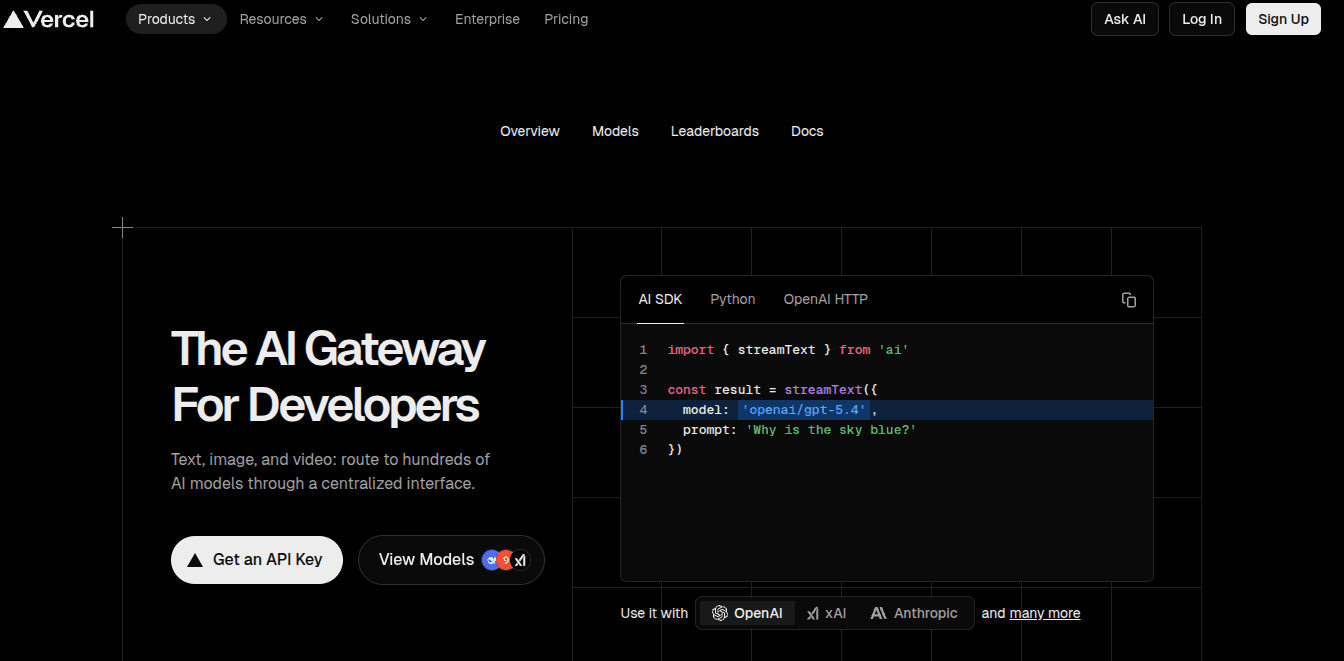
Vercel AI Gateway is a managed model gateway for teams already building AI applications on Vercel or using the Vercel AI SDK. It gives developers one API for accessing models across multiple providers, without requiring a separate provider account for every integration.
Its strength is developer experience. If a team already deploys on Vercel, the gateway fits naturally into the same application, billing, authentication, and SDK workflow. That makes it useful for product teams that want to move quickly from prototype to production without managing a separate AI gateway stack.
Best for
Teams building AI applications on Vercel that want fast model access, simple billing, fallback support, BYOK, and tight integration with the Vercel AI SDK.
What it does well
Provides access to many models through one managed gateway endpoint
Supports OpenAI-compatible API usage through the Vercel AI Gateway endpoint
Offers zero markup on tokens, including when using BYOK
Supports BYOK for teams with their own provider credentials or agreements
Allows model fallbacks when a primary model fails or is unavailable
Fits naturally with the Vercel AI SDK, Vercel projects, and Vercel-hosted applications
Supports pay-as-you-go AI Gateway credits rather than separate provider billing for every integration
Offers team-scoped provider credentials and request-scoped BYOK for more specific control cases
Where teams hit limits
Teams outside the Vercel ecosystem may get less value from the integration
It is more of a developer-friendly model gateway than a full AI lifecycle platform
BYOK still requires AI Gateway credits, and fallback behavior should be reviewed by teams with strict provider-control requirements
Advanced auditability, policy enforcement, regulated AI operations, and agent lifecycle management may require additional tooling
Teams running complex, long-lived, multi-agent workflows should check how Vercel’s broader platform limits, deployment model, and monitoring fit their architecture
Pricing
Vercel AI Gateway uses a pay-as-you-go model with no markup on token pricing. Teams purchase AI Gateway credits, and Vercel deducts usage from that balance. Vercel also supports BYOK, but teams still need AI Gateway credits available, including for fallback behavior if provider credentials fail.
Best if
You already build on Vercel and want a simple, developer-friendly gateway for model access, BYOK, fallback routing, usage control, and pay-as-you-go AI billing without adding a separate infrastructure layer.
9. Amazon Bedrock
Amazon Bedrock is different from most tools in this list. Interestingly enough, it’s not primarily marketed as an independent LLM gateway. It’s AWS’s managed foundation model platform for accessing models from providers such as Amazon, Anthropic, Meta, Mistral AI, Cohere, AI21 Labs, Google, DeepSeek, and others through AWS infrastructure.
For AWS-native teams, Bedrock can play a gateway-like role. It centralizes model access, authentication, monitoring, guardrails, usage tracking, and deployment controls inside the AWS ecosystem.
Best for
AWS-native teams that want managed model access, IAM-based controls, guardrails, monitoring, and integration with the broader AWS ecosystem.
What it does well
Provides managed access to a curated catalog of foundation models through AWS
Lets teams use AWS-native identity, access, security, monitoring, and governance controls
Supports Amazon Bedrock Guardrails for checking model inputs and responses against safety and policy rules
Supports cross-region inference to route model requests across supported AWS Regions for higher throughput and availability
Uses inference profiles to route model invocation requests to one or more Regions and track usage and costs for workloads
Fits naturally with AWS services, procurement, billing, IAM, CloudWatch, and enterprise cloud governance
Where teams hit limits
Bedrock is strongest inside AWS. Teams with multi-cloud or vendor-neutral AI strategies may prefer a gateway that sits above all providers
Model access is limited to the models and regions available through Bedrock
Routing is more AWS-infrastructure-oriented than application-lifecycle-oriented
Teams may still need additional tooling for cross-provider evaluations, prompt lifecycle management, agent observability, and non-AWS deployment workflows
Teams using many non-AWS model providers may need a separate layer to compare spend and performance across the full AI estate
Pricing:
Amazon Bedrock pricing varies by model, provider, modality, and inference mode. AWS lists options such as on-demand inference, batch inference, provisioned throughput, and other model-specific pricing structures. Batch inference is available for select foundation models at a lower price than on-demand inference.
Best if
You are already standardized on AWS and want managed model access, IAM-based control, guardrails, monitoring, and regional inference options inside your existing cloud environment. For teams that need a neutral routing and lifecycle layer across AWS, non-AWS providers, evaluations, monitoring, and governance, Bedrock may work better as one backend within a broader AI gateway strategy.
Free LLM proxy/gateway options worth knowing
Free LLM proxies and gateways are great when teams are experimenting, standardizing early provider access, or trying to avoid wiring every application directly into model APIs. The important thing is to understand what “free” means. In this category, it usually means one of three things: open-source software you operate yourself, a limited free tier, or credits that eventually become paid usage.
Option | Free model | Best for | Main tradeoff |
LiteLLM | Open-source proxy | Teams that want self-hosted provider abstraction | You own deployment, scaling, uptime, and maintenance |
Helicone | Open-source + free tier | Observability-first teams that want logging, cost tracking, and gateway features | Strong for monitoring, but not a full production AI platform |
Portkey Gateway | Open-source gateway | Teams testing routing, fallbacks, caching, and gateway controls | Advanced security, team, and enterprise features may require paid plans |
Cloudflare AI Gateway | Free core gateway features | Cloudflare-native teams adding AI logging, caching, and rate limiting | Best fit if already using Cloudflare Workers or the edge stack |
OpenRouter | Free tier / free models | Developers testing many models quickly through one API | Free usage is rate-limited and less suited to enterprise controls |
Vercel AI Gateway | Free credits / pay-as-you-go | Vercel-native app teams testing model access quickly | Best fit inside the Vercel ecosystem |
The right free option depends on what your team wants to avoid paying for. If you want no software cost and more control, open-source gateways like LiteLLM, Helicone, or Portkey can work well, as long as you are ready to operate them. If you want no infrastructure burden, managed free tiers from OpenRouter, Cloudflare, or Vercel may be faster to start with. Keep in mind they can become limiting once usage, retention, team controls, or production support become important.
For early experiments, a free LLM proxy can be enough. For production systems, look past the entry price and ask who operates the gateway, where logs and credentials live, how usage limits work, and what changes when AI traffic spreads across products, teams, or customer-facing workflows.
How to choose the best LLM gateway
Choosing the best LLM gateway isn’t about finding the tool with the longest model list. It’s about matching the gateway to the problem your team needs to solve.
If your main goal is fast model access, an access-first gateway may be enough. If you want to own the infrastructure, a self-hosted proxy may be a better fit, as long as your team is ready to manage deployment, uptime, scaling, and maintenance.
For production AI, the requirements usually expand. Teams need to know which models can be used, how traffic should be routed, what happens when providers fail, how costs are attributed, and whether model behavior can be monitored after deployment. In that environment, the gateway becomes part of how AI systems are operated and not just a convenience layer for sending API calls.
Use this checklist to narrow the shortlist:
If you need fast experimentation, look for broad model access, a simple API, and unified billing.
If you need self-hosted control, look for an open-source proxy, configurable routing, and infrastructure ownership.
If reliability is the main concern, look for fallbacks, retries, uptime visibility, latency controls, and provider failover.
If cost control matters, look for budget limits, usage tracking, model-level spend visibility, and cost attribution by team or workflow.
If you need team and policy controls, look for RBAC, audit logs, approval paths, data residency options, and model access rules.
If production visibility is the gap, look for request tracing, latency monitoring, fallback visibility, error debugging, and workflow-level logs.
If lifecycle fit matters, look for evaluations, monitoring, prompt/version workflows, deployment controls, and links to broader AI operations.
The right choice depends on what will become painful as usage grows. Early teams usually need speed. Scaling teams need reliability and cost visibility. Enterprise teams need clearer ownership, auditability, and a gateway that fits how AI systems are managed across products, teams, and workflows.
Common mistakes to avoid when choosing an LLM gateway
The biggest mistake is choosing an LLM gateway based only on model coverage. A long model list is useful. But it doesn’t tell you whether the gateway can handle what happens after the first integration works: retries, fallbacks, latency, usage spikes, cost attribution, and access rules.
Another mistake is treating the gateway as a simple proxy. In production, the gateway often becomes the place where teams decide which models can be used, how traffic should be routed, what happens when providers fail, and how model usage is monitored over time.
Teams also underestimate operational ownership. Open-source and self-hosted gateways can provide flexibility, but someone still has to manage deployment, uptime, scaling, upgrades, security, and incident response. “Free” software is not always free to operate.
A fourth mistake is ignoring fit with the rest of the AI workflow. If evaluations, monitoring, prompt changes, policy approvals, and agent behavior are managed in disconnected tools, the gateway can become another isolated layer rather than a useful control point for production AI.
Before choosing, ask whether the gateway can support the way your AI systems will operate six months from now. Not just how easy it is to send the first API call today.
Why teams choose Orq.ai Router as their LLM gateway
By the time teams compare LLM gateways, they aren’t asking “how do we call more models?” They’re asking “how do we control what happens once those models are used across real products, teams, and workflows?”
That is where Orq.ai Router is different from a lightweight proxy or access-first gateway. Orq.ai Router gives teams one API for routing traffic across 400+ models, but its value is the operating layer around that router: fallbacks, budget controls, identity tracking, evaluations, monitoring, knowledge workflows, and governance.
For teams moving beyond experimentation, that matters because routing decisions don’t happen in isolation. The model selected for a request affects cost, latency, quality, compliance, and user experience. If routing logic, monitoring, and evaluation live in separate tools, it becomes harder to understand whether a model change actually improved the system or simply moved the problem somewhere else.
Adami shows how the gateway can become part of the broader AI delivery workflow. The team used Orq.ai to support AI product development across teams, improving collaboration and speeding up LLMOps workflows. That makes it a stronger example of a gateway becoming part of how AI systems are built, evaluated, and shipped, not just how model calls are routed.
For enterprises, the value is not just that Orq.ai Router can route requests to different models. It is that the gateway sits inside a broader operating environment for production AI, where routing, evaluation, monitoring, lifecycle visibility, and governance can be managed from the same platform.
Final takeaway: choose the gateway that matches your operating model
There isn't a universal “best” LLM gateway for every team. The right choice depends on what you need the gateway to control.
If your main priority is fast model access, an access-first gateway could get the job done. If you need infrastructure ownership, an open-source or self-hosted proxy can make more sense. If your AI traffic already sits inside a broader API management, cloud, or edge strategy, an infrastructure-first gateway may be the natural fit.
The decision changes once AI systems move into production workflows. At that point, teams need more than a convenient way to call models. They need to understand which models are used, how traffic is routed, what happens when providers fail, how costs are attributed, and whether quality is being monitored over time.
For teams building production AI across multiple products, workflows, or departments, Orq.ai Router is the right fit when routing needs to connect with monitoring, evaluations, budget controls, governance, and continuous improvement.
See how Orq.ai Router helps teams route, monitor, and improve production AI workflows from one platform by booking a demo here.

Sohrab Hosseini
Co-founder (Orq.ai)
About
Sohrab is one of the two co-founders at Orq.ai. Before founding Orq.ai, Sohrab led and grew different SaaS companies as COO/CTO and as a McKinsey associate.